
CurseForge import
Profile downloading.
Keep the .zip zipped. Import it into CurseForge, then join Discord to request whitelist.
- Open CurseForge.
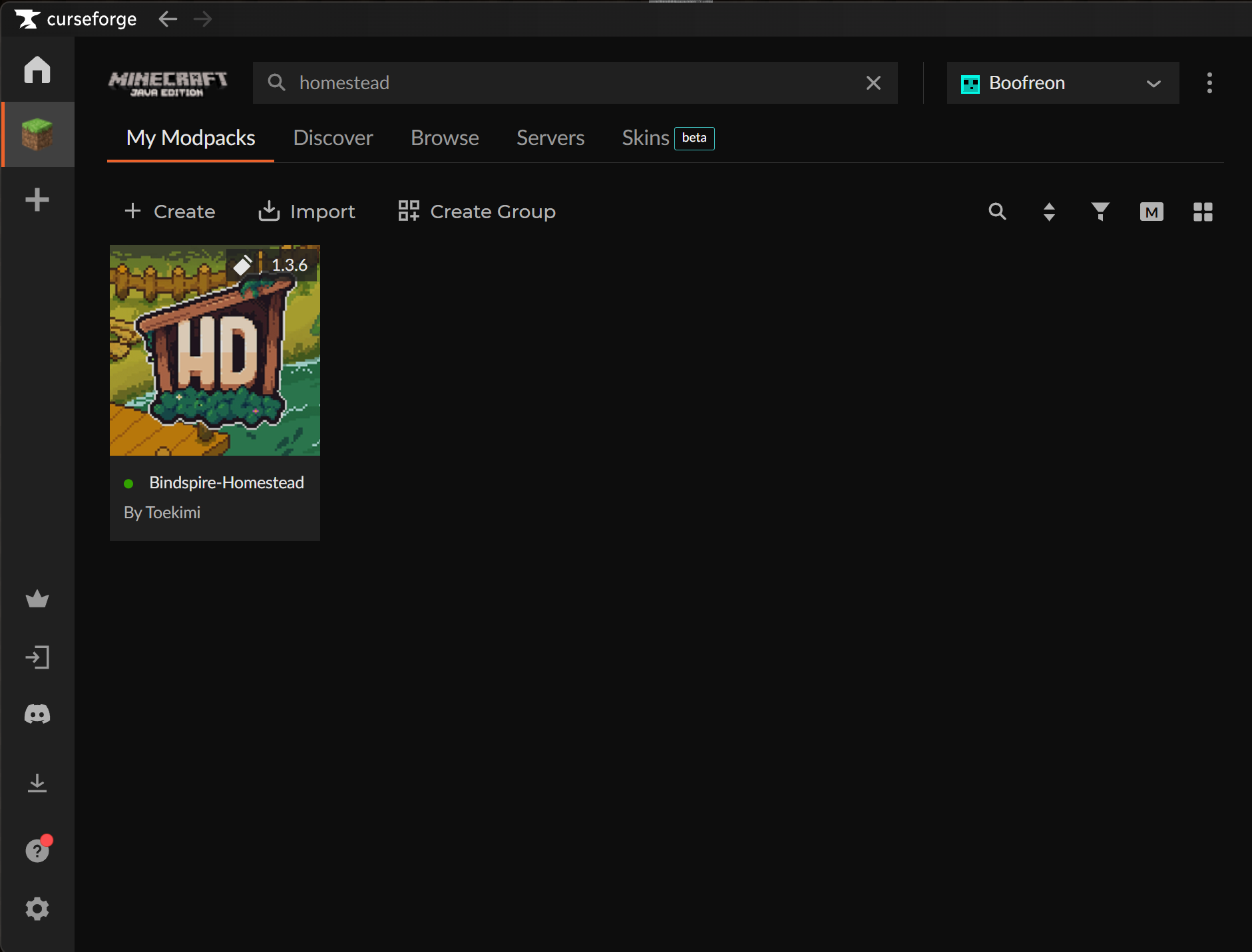
- Go to Minecraft → My Modpacks.
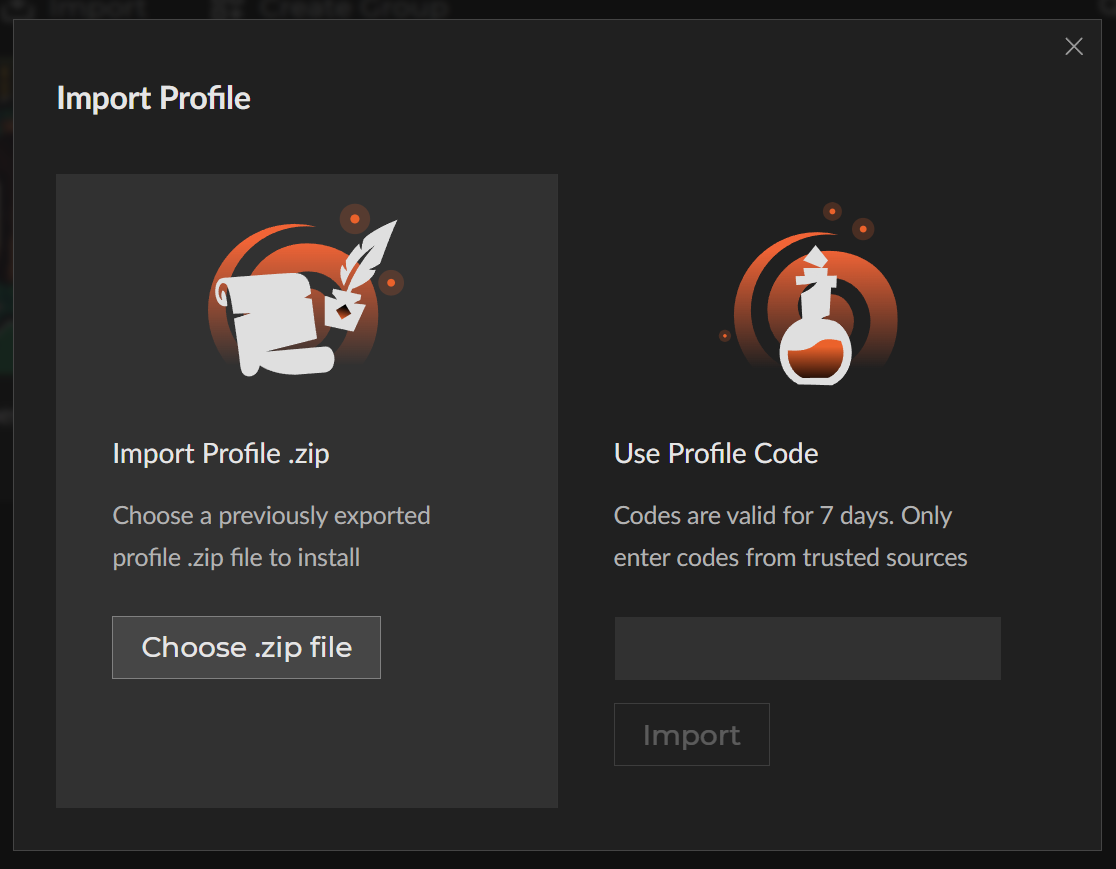
- Click Import.
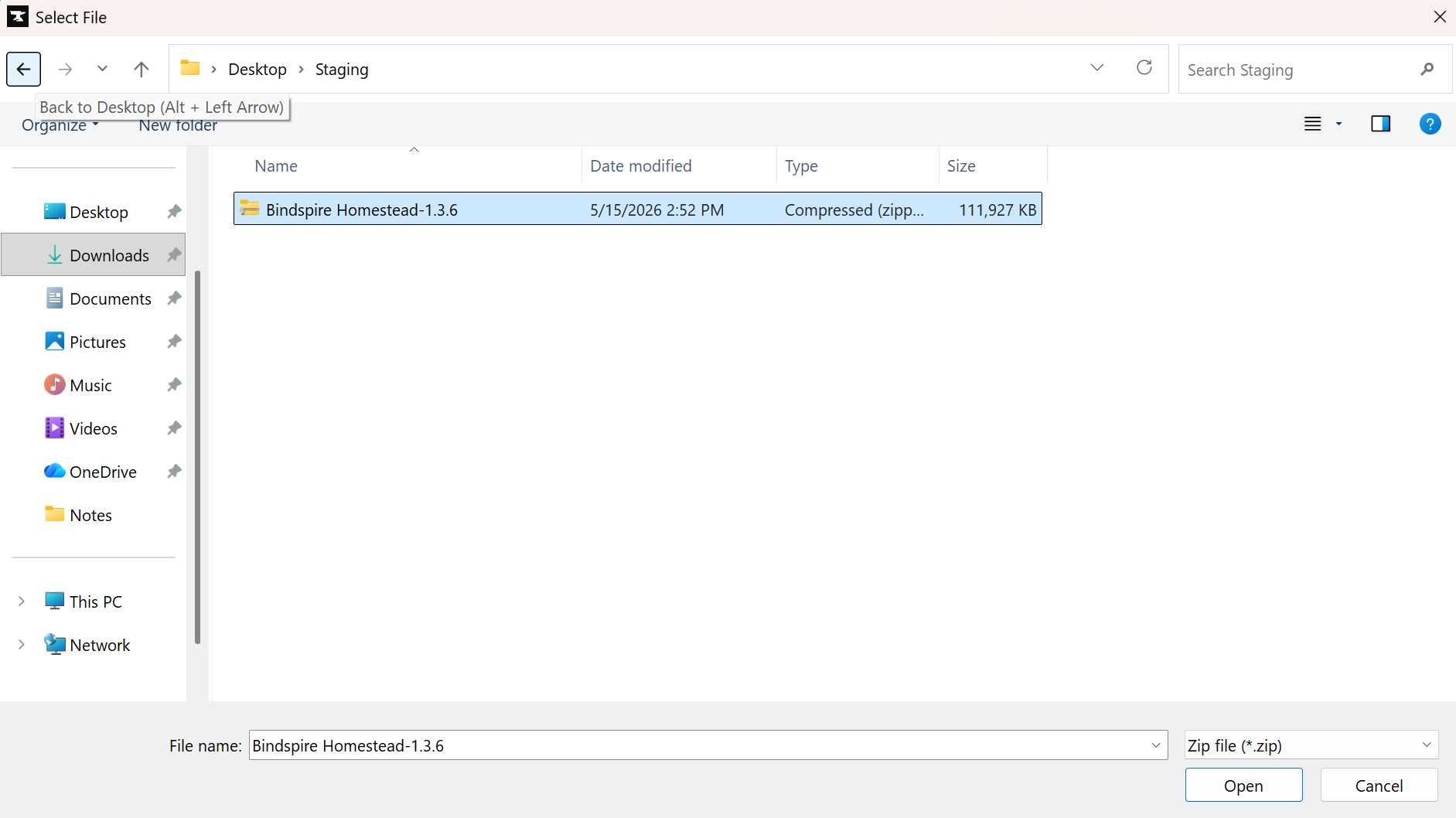
- Select the Homestead .zip file.
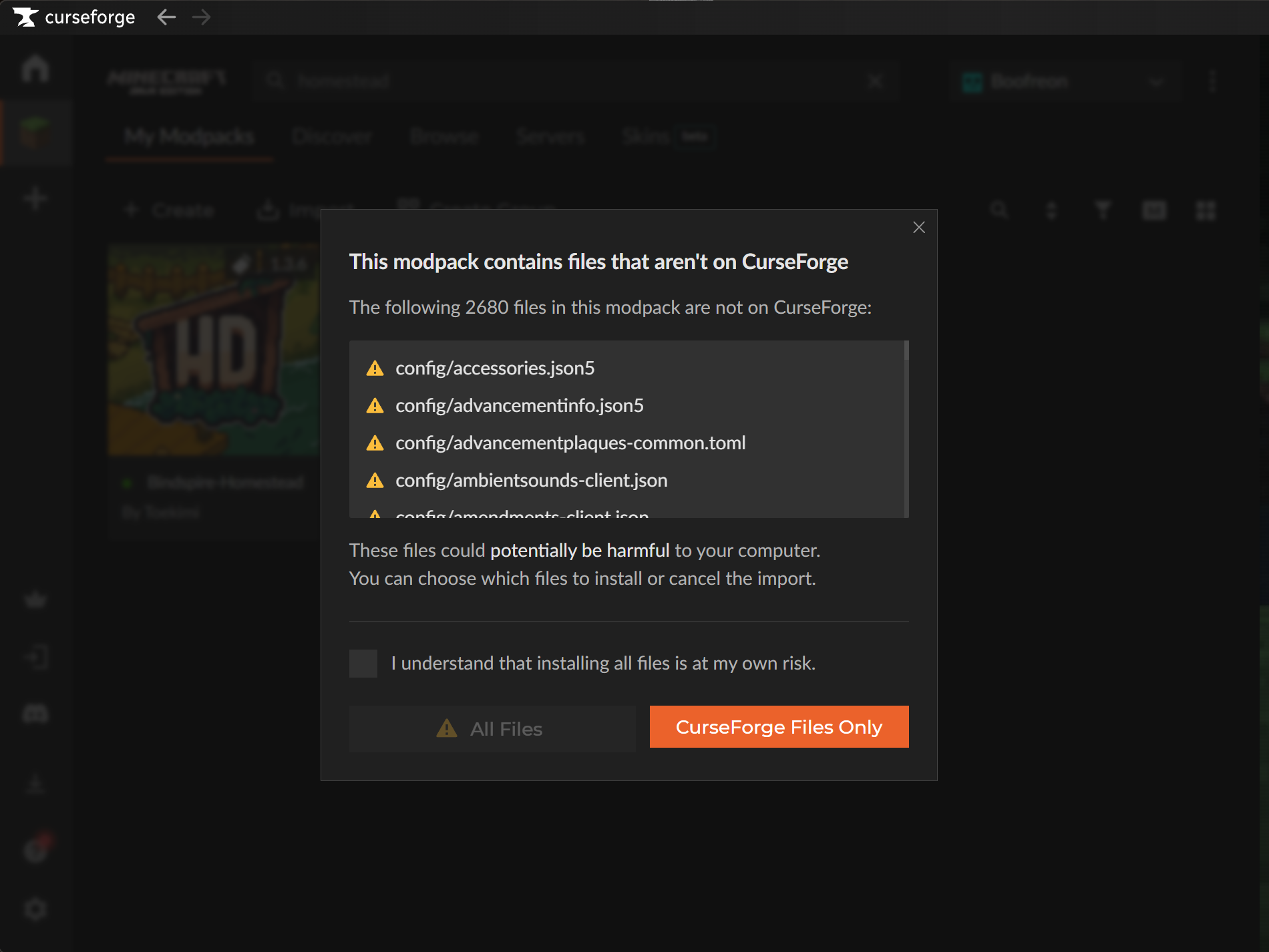
- If CurseForge asks, choose All Files.
- Launch the profile.

If Safari unzips the file on Mac, turn off "Open safe files after downloading" in Safari settings, then download again. Chrome or Firefox also avoid this issue.
Do not update the profile unless Discord announcements say the server has updated.