
Open permanent
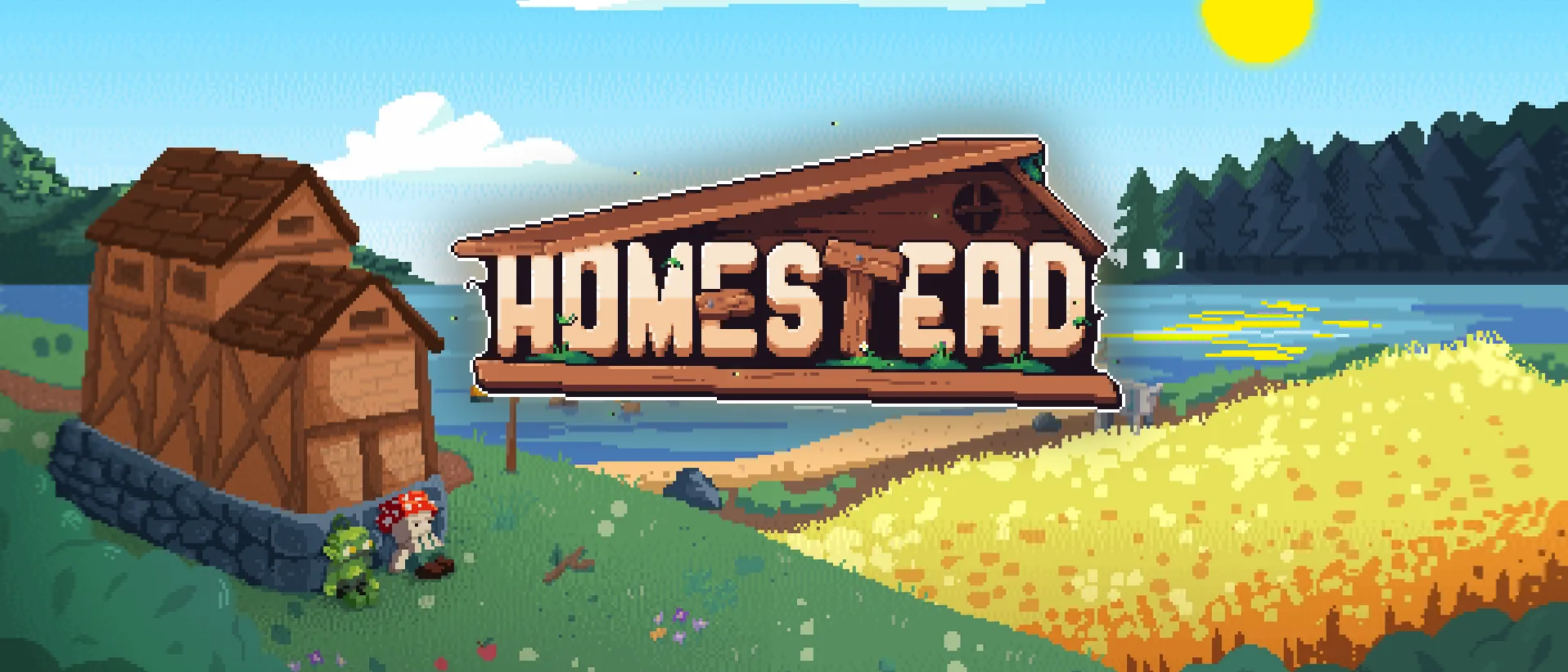
Homestead
Nothing here resets. The railway, the market and the town have been standing since June, and what you build stays where you put it.
Start here if you want somewhere to settle.
Homestead never resets. FaeBourne is Season Two. Pick one, or play both.
Bindspire
Open permanent
Nothing here resets. The railway, the market and the town have been standing since June, and what you build stays where you put it.
Start here if you want somewhere to settle.
Open Season Two
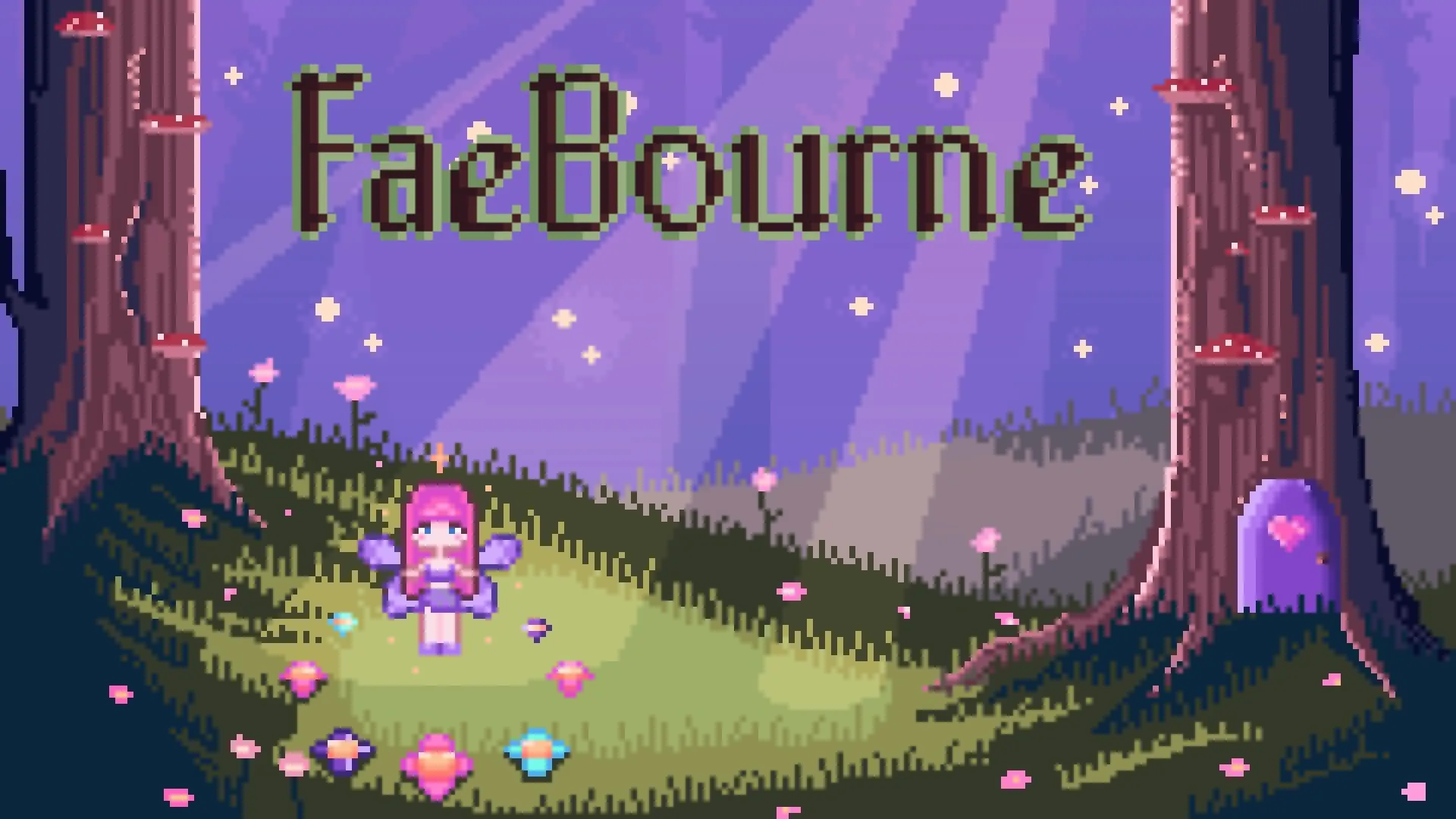
kaestar’s cozy fantasy pack: grow fairy wings, learn spells, cook with a bigger kitchen and explore overhauled, magical biomes.
Start here if you want magic and a fresh start.
One file per launcher · the server already inside
Permanent world · Open
Homestead 1.3.6 · Minecraft 1.20.1 · Fabric
Java 17 · 6–8 GB RAM
The CurseForge profile brings the right Java with it.
Import the complete profile into CurseForge.
Import the supported profile into Modrinth App.
Use the same supported .mrpack with Prism Launcher.
The server address is already saved in the profile.
Season Two · Open
FaeBourne by kaestar · Minecraft 1.20.1 · Forge
Java 17 · 6–8 GB RAM
6 GB minimum, 8 GB comfortable.
Import the profile into the CurseForge app.
Import the .mrpack into Modrinth App.
Import the .zip into Prism Launcher. MultiMC and ATLauncher take the same file.
FaeBourne (Bindspire) is already in the server list.
You’ll still introduce yourself in Discord either way: that you’re 18 or over, your exact Minecraft username, and a line or two about you. That is what gets you whitelisted.